BMO For Linux
It is recommended that you verify the SHA-256 checksum below matches the hash shared by the sender before executing this file.
File verification
SHA-256 MATCHED- File
- BMO For Linux.deb
- Version
- 1.4.1
- Size
- 196.20 MB (205,730,700 bytes)
- Uploaded
- 2026-07-07 18:02 UTC
1bf522b5ca49239db9d99e97bd4f3f6f5dcef77e58a51dd0a52a31e3cfac67ea
https://app-repo.onlycyber.net/download/54974572-b9e9-4509-872e-02795525f27b/1.4.1/get
sha256sum -c
Pictures
6



About this app
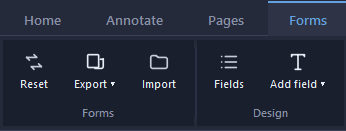
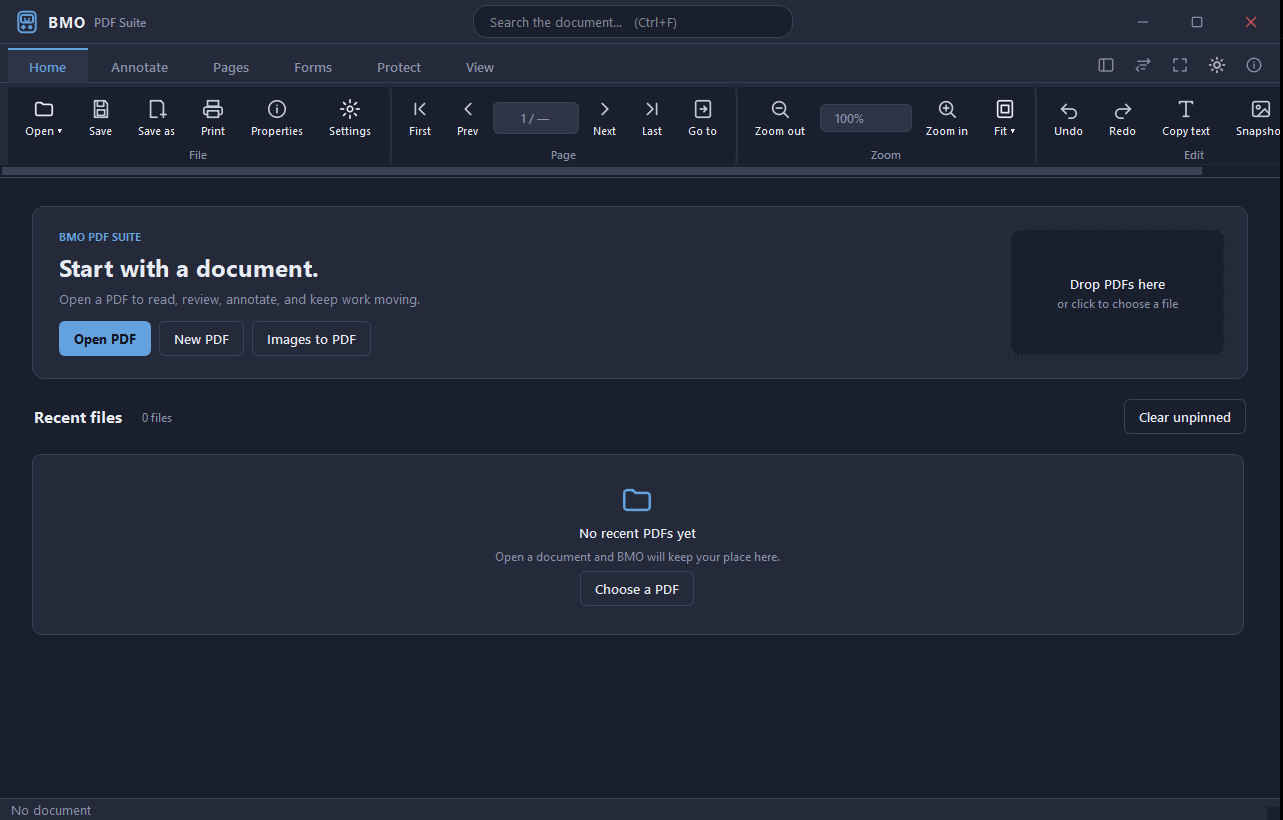
BMO PDF Suite For Linux is a fast, lightweight PDF viewer and editor built for Windows. Designed with a clean, modern interface and both light and dark themes, BMO gives you everything you need to read, mark up, and manage PDF documents, all in one place. View & Navigate — Open multiple PDFs in tabs, zoom to fit the page or width, jump to any page instantly, and search across the full document with highlighted results. A thumbnail panel and outline sidebar keep long documents easy to navigate. Annotate & Mark Up — Highlight text, add sticky notes, sketch freehand with the pen tool, insert shapes, and drop professional-looking stamps. Every annotation stays fully editable until you're ready to save. Edit & Organize — Merge multiple files into one, split out individual pages, drag thumbnails to reorder, rotate and crop pages, and apply watermarks, headers and footers, or sequential Bates numbers for legal documents. Security & Compliance — Encrypt PDFs with a password, permanently redact sensitive text so it can never be recovered, add a digital signature, and sanitize hidden metadata before sharing externally. An audit log tracks every change made to a document. Built for professionals who deal with PDFs daily, in legal, finance, healthcare, and document-heavy workflows. BMO stays out of your way and focuses on doing the job well.
Version history
Every version keeps its own file and checksum, so an older link always serves the build it was published with.